提示影片
將書面概念轉化為具有清晰主題、動作、氛圍和攝影機方向的富有表現力的 2K 動作。
使用相同配置創建任務
根據提示、第一幀或豐富的參考創建精美的 2K 視頻,默認選擇 MiniMax H3,並在同一工作室中準備好更多領先的視頻模型。
一個工作室,更多創作方式
使用 MiniMax H3 建立產品故事、電影場景和參考主導的創意,或在簡介發生變化時選擇其他支援的視訊模型。
將書面概念轉化為具有清晰主題、動作、氛圍和攝影機方向的富有表現力的 2K 動作。
使用相同配置創建任務
對第一幀進行動畫處理,並可選擇以最後一幀引導結尾,以實現更有意的視覺進展。
使用相同配置創建任務
透過多模式參考塑造更豐富的結果,同時將您的創意工作流程保持在一個專注的工作室中。
使用相同配置創建任務
Curated motion gallery
A shared collection of compact MiniMax H3 studies spanning travel, food, nature, animation, portraiture, and imagined worlds.
A low seaplane departure built around speed, spray, and a wide environmental reveal.
Tactile food detail with controlled highlights and slow, readable material motion.
An expansive landscape study balancing water, atmosphere, and camera drift.
A character-led animated beat with warm light and a storybook nighttime world.
A restrained fashion portrait shaped by pose continuity and precise flash timing.
A cosmic scale study moving from planetary detail into an abstract horizon.
The featured studies and expanded library are AI-generated creative previews organized for MaxMini and shared use. They are not customer testimonials or records of real events.
可即時重建的鏡頭配方
選取一份完整的鏡頭配方,即可直接在「重新建立」對話框中開啟,MiniMax H3 與配套提示已預先備妥,隨時可以調整。
文字轉影片
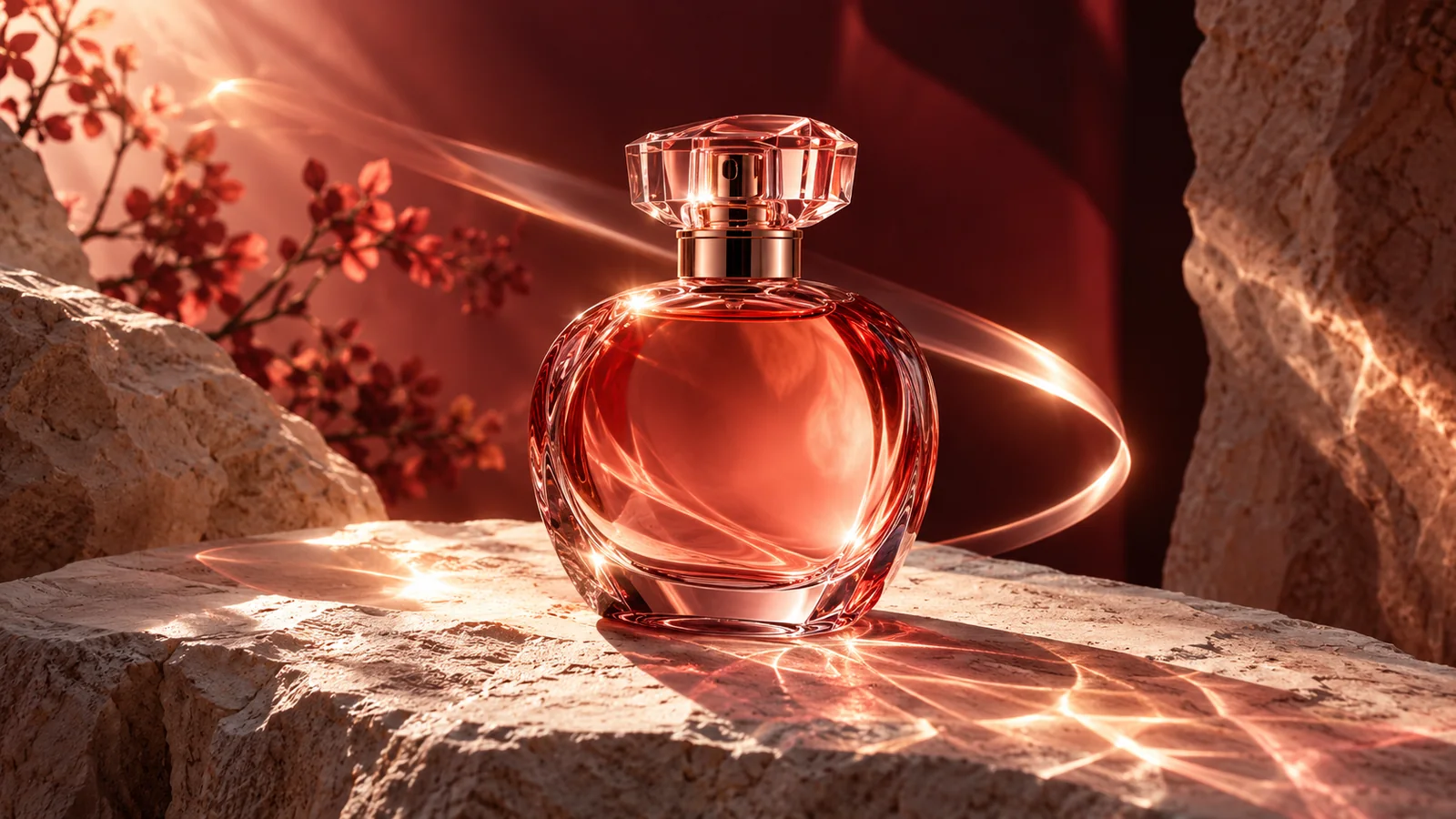
“Macro product film of a translucent coral glass sculpture slowly unfolding into a luminous bird, precise refractions, dark seamless studio, restrained magenta rim light, slow clockwise camera orbit, premium commercial finish.”
使用相同配置創建任務
首幀轉影片
“Extreme macro of a sculptural product on black stone, a soft coral highlight travels across the surface as the camera pushes in, shallow depth of field, controlled reflections, quiet luxury campaign mood.”
使用相同配置創建任務
以參考為本的鏡頭
“Cinematic fashion campaign at night, subject holds a confident pose while fabric and practical lights move in a soft crosswind, camera makes a measured lateral track, deep black background, coral and magenta color accents, realistic motion.”
使用相同配置創建任務
這些配方只是起點。以上配圖為 GPT Image 概念靜圖,並非 MiniMax H3 的影片成果。MaxMini Video 是獨立產品,與 MiniMax 並無從屬關係。
流體生成工作流程
使用 MiniMax H3 快速開始,使用專案所需的媒體指導結果,並自由地比較支援的模型。

01
用自然語言寫出場景、主題、動作、情緒、燈光和攝影機語言。

02
使用第一幀、可選的最後一幀或多模式參考來指導構圖、身份和運動。

03
預設使用 MiniMax H3 創建,優化您的方向,或從相同選擇器切換到另一個可用的視訊模型。
MiniMax H3 首先,從未被裝箱
MaxMini Video 將 MiniMax H3 保持在中心位置,同時使其他受支援的領先視訊模型在您的創意方向需要時可以輕鬆存取。
打開視訊工作室
選擇適合節拍的持續時間,從簡潔的五秒時刻到更完整的十五秒場景。
MiniMax H3 可以處理最多 9 個參考影像、3 個參考影片和 3 個參考音軌,以獲得更豐富的方向。
使用共用模型選擇器來比較其他支援的視訊模型,而無需重建提示或離開工作區。
MiniMax H3 問題
MiniMax H3 是 MiniMax 的視訊模型系列,用於根據提示、幀和多模式參考建立 2K 影片。它是 MaxMini Video 上的預設模型。
您可以從提示開始,使用可選的最後一幀對第一幀進行動畫處理,或者在這些選項可用時使用最多 9 個圖像、3 個影片和 3 個音訊參考來產生指南。
不會。預設會選擇 MiniMax H3,它是主要焦點,但共享模型選擇器還允許您存取其他受支援的領先視訊模型。
不。 MaxMini Video 是獨立產品,不隸屬於 MiniMax,也不受 MiniMax 認可。模型的可用性取決於連接的提供者。