
01Generated with MiniMax H3
Prompt to video
Turn a written concept into expressive 2K motion with clear subject, action, atmosphere, and camera direction.
Create Job with Same Configuration
Create polished 2K video from a prompt, a first frame, or rich references—with MiniMax H3 selected by default and more leading video models ready in the same studio.
One studio, more ways to create
Build product stories, cinematic scenes, and reference-led creative with MiniMax H3—or choose another supported video model when the brief changes.
Turn a written concept into expressive 2K motion with clear subject, action, atmosphere, and camera direction.
Create Job with Same Configuration
Animate a first frame and optionally guide the ending with a last frame for more intentional visual progression.
Create Job with Same Configuration
Shape a richer result with multimodal references while keeping your creative workflow in one focused studio.
Create Job with Same Configuration
Curated motion gallery
A shared collection of compact MiniMax H3 studies spanning travel, food, nature, animation, portraiture, and imagined worlds.
A low seaplane departure built around speed, spray, and a wide environmental reveal.
Tactile food detail with controlled highlights and slow, readable material motion.
An expansive landscape study balancing water, atmosphere, and camera drift.
A character-led animated beat with warm light and a storybook nighttime world.
A restrained fashion portrait shaped by pose continuity and precise flash timing.
A cosmic scale study moving from planetary detail into an abstract horizon.
The featured studies and expanded library are AI-generated creative previews organized for MaxMini and shared use. They are not customer testimonials or records of real events.
Recreate-ready shot recipes
Select a complete shot recipe to open it directly in the Recreate dialog with MiniMax H3 and its prompt ready to adapt.
Text to video
“Macro product film of a translucent coral glass sculpture slowly unfolding into a luminous bird, precise refractions, dark seamless studio, restrained magenta rim light, slow clockwise camera orbit, premium commercial finish.”
Create Job with Same Configuration
First frame to video
“Extreme macro of a sculptural product on black stone, a soft coral highlight travels across the surface as the camera pushes in, shallow depth of field, controlled reflections, quiet luxury campaign mood.”
Create Job with Same Configuration
Reference-led shot
“Cinematic fashion campaign at night, subject holds a confident pose while fabric and practical lights move in a soft crosswind, camera makes a measured lateral track, deep black background, coral and magenta color accents, realistic motion.”
Create Job with Same Configuration
These recipes are starting points. The supporting clips above were created with MiniMax H3 and compressed for web preview. MaxMini Video is an independent product and is not affiliated with MiniMax.
A fluid generation workflow
Start quickly with MiniMax H3, guide the result with the media your project needs, and stay free to compare supported models.
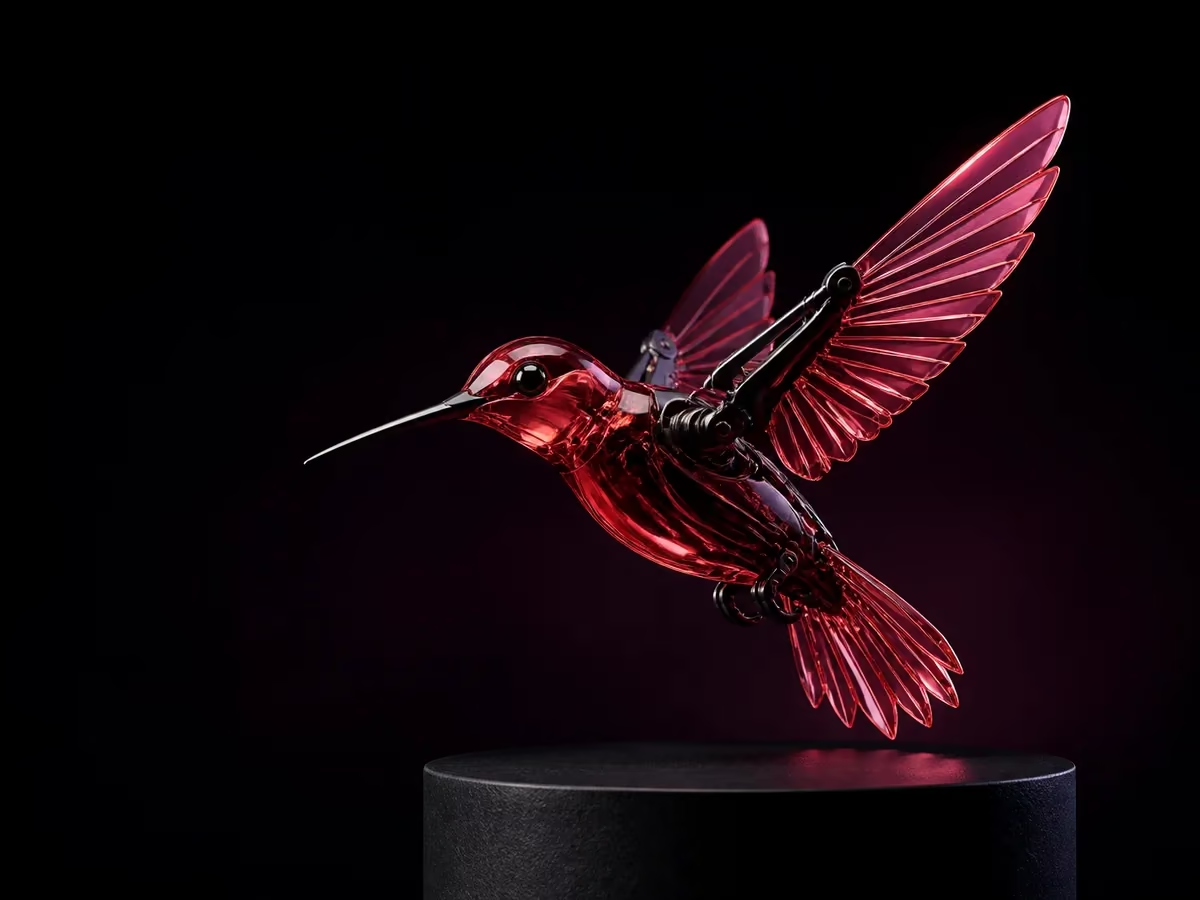
01
Write the scene, subject, action, mood, lighting, and camera language in natural language.
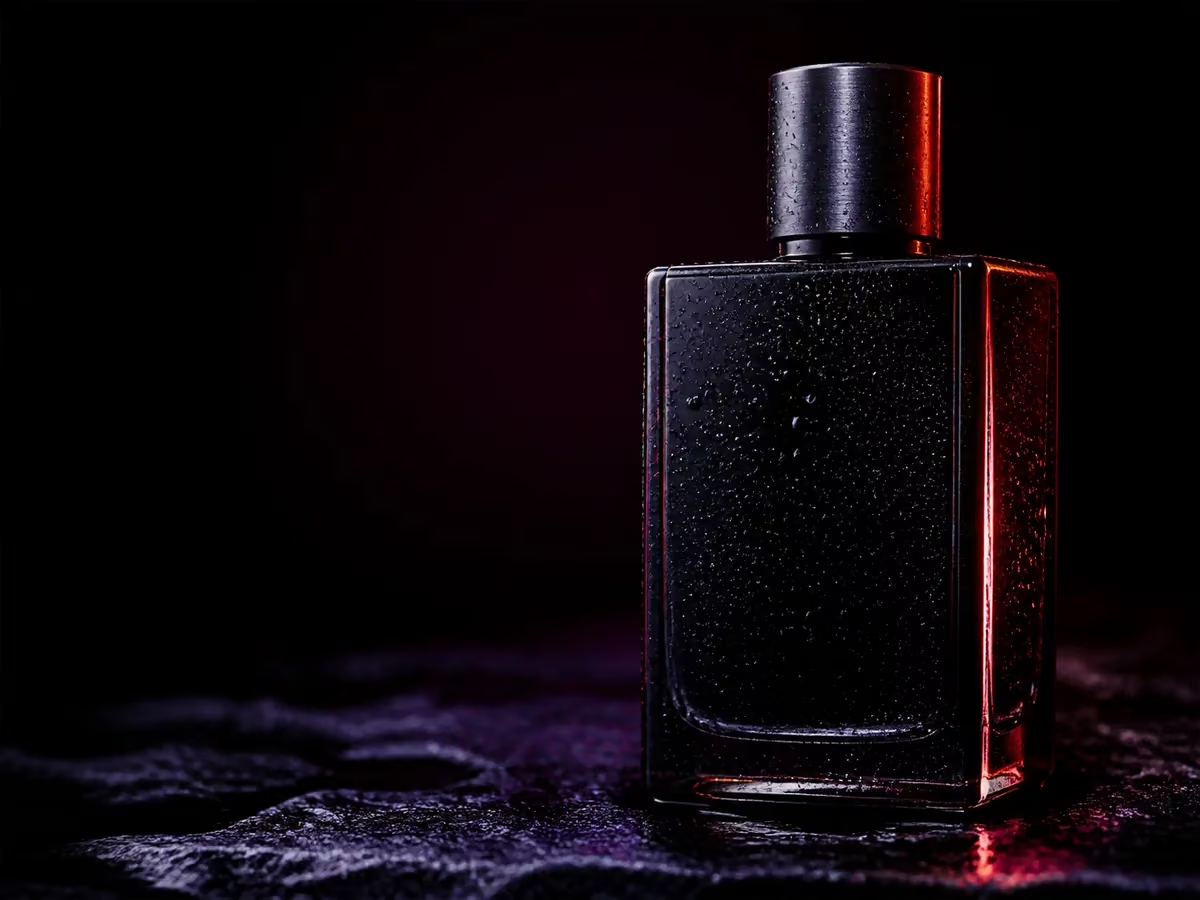
02
Use a first frame, an optional last frame, or multimodal references to guide composition, identity, and motion.
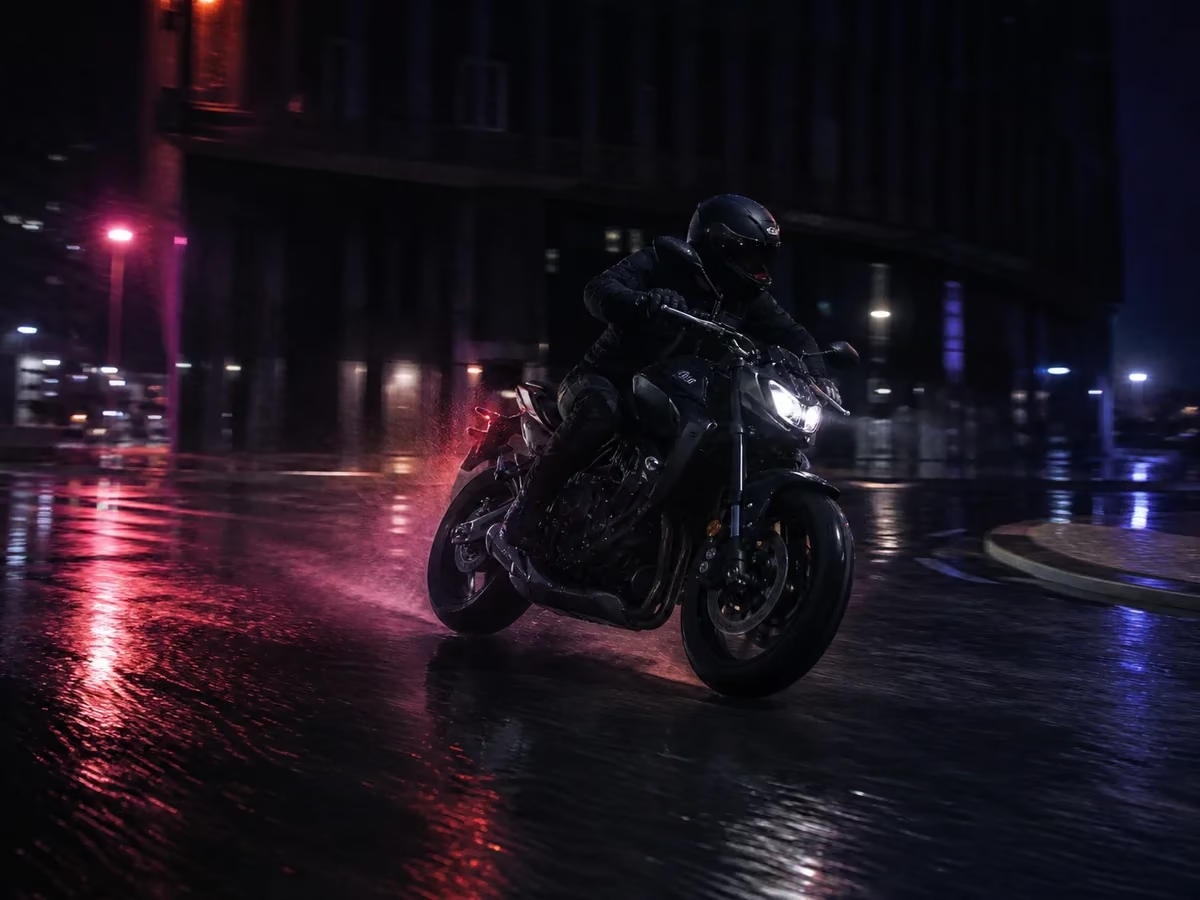
03
Create with MiniMax H3 by default, refine your direction, or switch to another available video model from the same picker.
MiniMax H3 first, never boxed in
MaxMini Video keeps MiniMax H3 at the center while making other supported leading video models easy to reach whenever your creative direction calls for them.
Open the video studioChoose the duration that fits the beat, from a concise five-second moment to a fuller fifteen-second scene.
MiniMax H3 can work with up to 9 reference images, 3 reference videos, and 3 reference audio tracks for richer direction.
Use the shared model picker to compare other supported video models without rebuilding your prompt or leaving your workspace.
MiniMax H3 questions
MiniMax H3 is MiniMax's video model family for creating 2K video from prompts, frames, and multimodal references. It is the default model on MaxMini Video.
You can start from a prompt, animate a first frame with an optional last frame, or guide generation with up to 9 images, 3 videos, and 3 audio references when those options are available.
No. MiniMax H3 is selected by default and is the main focus, but the shared model picker also gives you access to other supported leading video models.
No. MaxMini Video is an independent product and is not affiliated with or endorsed by MiniMax. Model availability depends on connected providers.
Generate with MiniMax H3 by default, then explore other leading video models without changing your workflow.
Create with MiniMax H3AI Pricing Plans
Compare monthly, annual, and one-time credit options with clear model-level output estimates.